
 HTTPS Protected
 Fast Processing
 Simple to Use
Works with public Facebook photo links only. Private and friends-only photos are not supported.
What is a Facebook photo downloader?
A Facebook photo downloader saves a public Facebook photo to your device as an image file. ClipsSaver's tool works from a link: paste the photo URL or the post URL, and it fetches the largest version Facebook makes publicly available — free, online, with no login, app, or extension.
How to Download Photos from Facebook
Downloading a photo from Facebook takes three steps:
- 1
Copy the photo link
Open the photo on Facebook, tap the options or share menu and copy its link — or copy the URL from your browser's address bar.
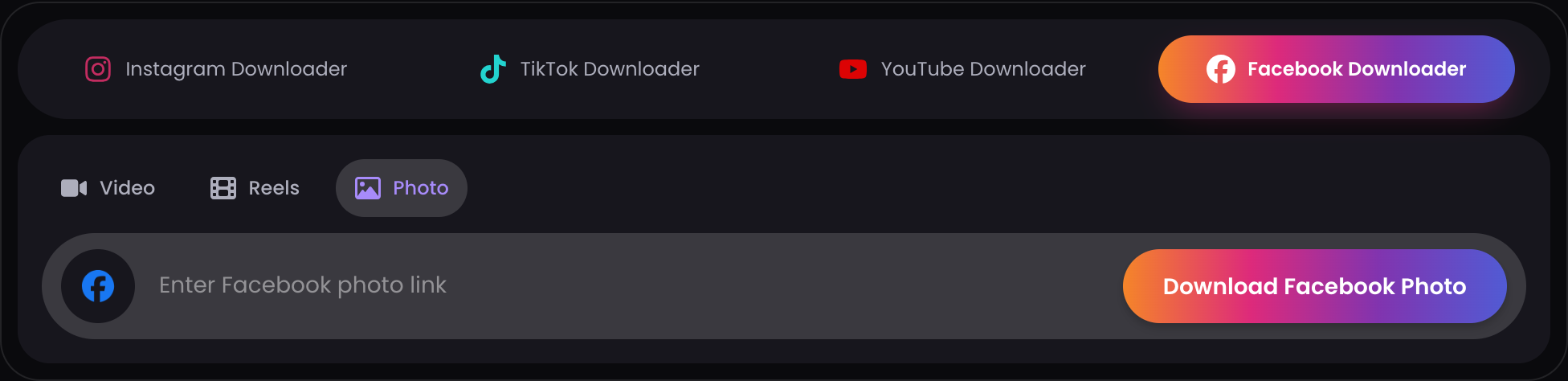
- 2
Paste it above
Drop the link in the box and click Download to fetch the image.
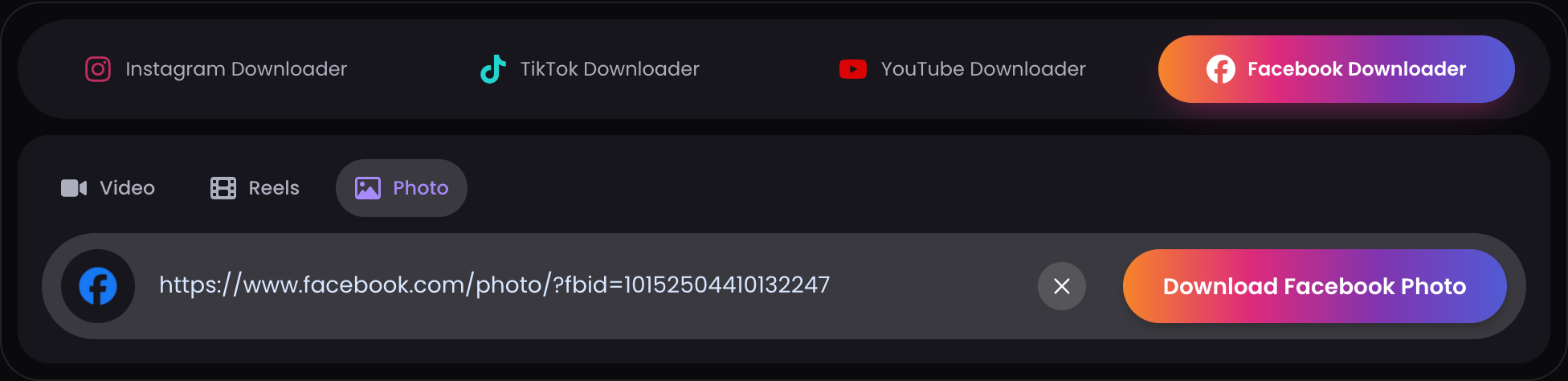
- 3
Save the image
Click Download and save the photo to your device in the largest size Facebook provides.
Supported Facebook Photo Links
The downloader accepts public photo links in these forms:
- facebook.com/photo... URLs — the direct link when a photo is open full-screen
- Post URLs — links to public posts that contain a photo
Not supported:
- Photos on private profiles or in friends-only posts
- Photos inside closed or private groups
- Deleted photos — removed content can't be fetched by any tool
If a link doesn't work, the photo usually falls into one of the unsupported categories — the tool can only access what's publicly visible without logging in.
Full Resolution, Not a Thumbnail
ClipsSaver saves the largest version Facebook makes publicly available for each image — the actual file Facebook serves, not a compressed preview or shrunken thumbnail.
The resolution you get depends on the original upload and on how Facebook processed it: Facebook compresses and resizes images on upload, so the available file may be smaller than the photographer's original. The tool doesn't upscale or alter the image — what you download is the best version that exists on Facebook.
Download Facebook Photos on iPhone, Android, and Computer
The downloader works in your browser, so the steps are the same on every device — no app or extension needed.
- iPhone — downloaded photos typically save to your browser's downloads or the Files app; from there you can add them to your photo library.
- Android — downloads typically save to your Downloads folder, where your gallery app can find them.
- Computer (Windows/Mac) — photos save to your browser's default download folder.
If you can't find a saved photo, check your browser's download history first.
Why Use This Free Online Facebook Photo Downloader
Free, no sign-up
The tool is free to use with no account required.
Largest available size
Saves the biggest version Facebook serves publicly, not a thumbnail.
Photo or post links
Works with direct photo URLs and public post links.
No login, no app, no extension
The downloader works in your browser — no credentials, nothing to install.
Public content only
ClipsSaver only accesses photos that are publicly accessible without logging in.
Facebook Photo Not Downloading? Common Reasons
If a photo won't download, it's almost always one of these:
- The photo is private or friends-only — only public photos can be fetched
- The photo is inside a closed or private group — group-restricted content isn't accessible
- The link points to the post, but the post's privacy changed — the owner may have restricted it after you copied the link
- The link was copied incorrectly — partial or truncated URLs won't resolve
- The photo was deleted — removed images can't be downloaded by any tool
Quick fix: open the photo on Facebook so it displays full-screen, copy the URL from your browser's address bar, and paste that fresh link into the downloader.
Privacy & Data Handling
To download a Facebook photo online, paste a public photo or post link into the tool — no upload, no account, and no Facebook login are required. Private, friends-only, and group-restricted photos cannot be processed. For more details, please review our Privacy Policy.
Download Your Facebook Photo Now
Paste any public Facebook photo or post link above to save the image in the largest available size — free, online, no login needed.
Download Now →See it in action
This is the actual downloader — paste a public link and your file is ready.

Facebook Photo Downloader — FAQs
Everything about saving public Facebook photos in full size.