
 HTTPS Protected
 Fast Processing
 Simple to Use
Works with public Facebook Reel links only. Private or friends-only Reels are not supported.
What is a Facebook Reels downloader?
A Facebook Reels downloader saves a public Facebook Reel to your device as an MP4 file. ClipsSaver's tool works from a link: paste the Reel URL or a shortened fb.watch link, and the Reel downloads to your phone, tablet, or computer in the best quality Facebook provides — free, online, with no login, app, or extension.
How to Download a Facebook Reel
Downloading a Reel from Facebook takes three steps:
- 1
Copy the Reel link
Tap the share icon on the Reel and choose "Copy link," or copy the fb.watch link you were sent.
- 2
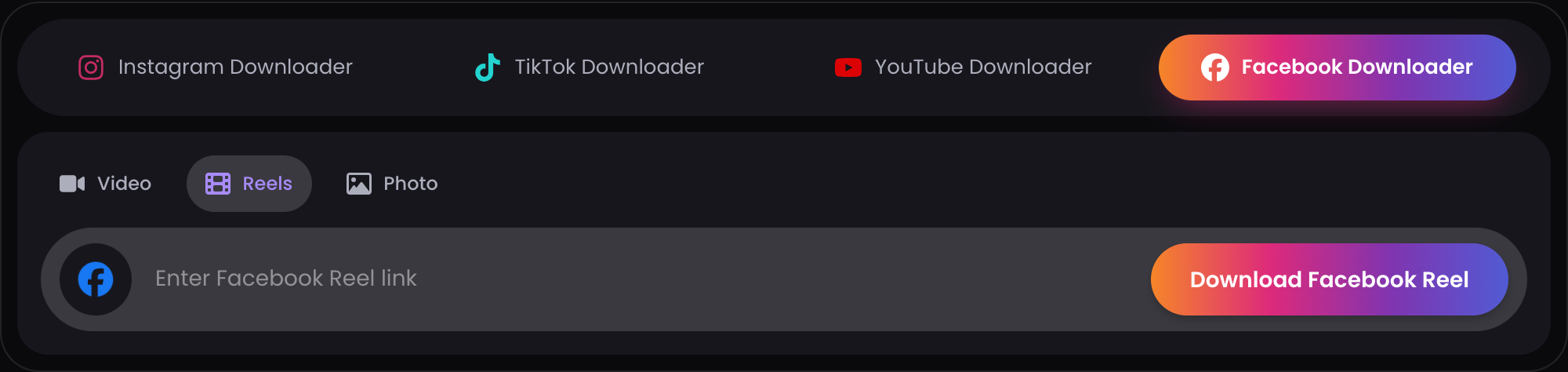
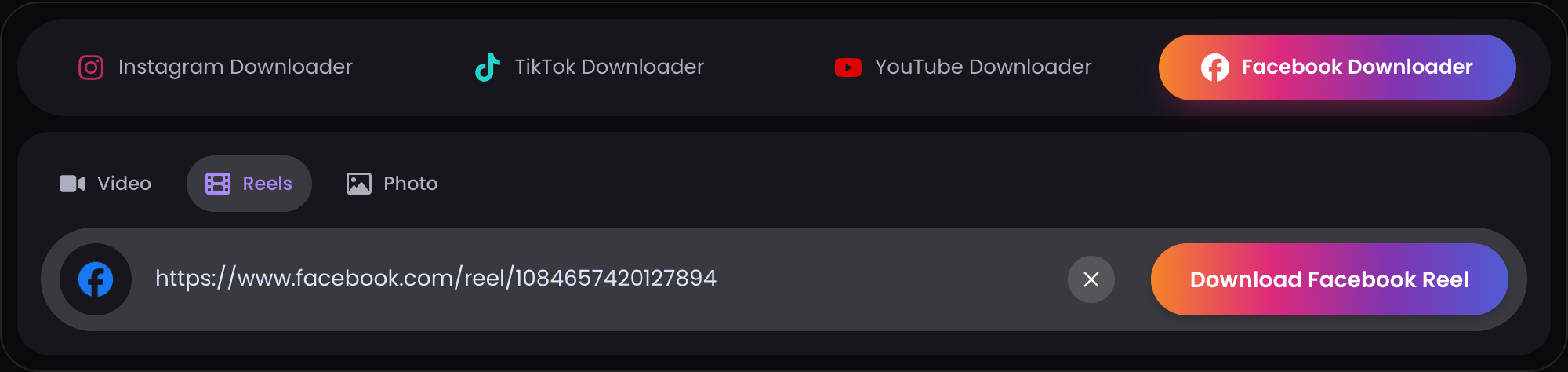
Paste it above
Add the link to the input box and click Download. ClipsSaver resolves the Reel and its available quality.
- 3
Save the MP4
The Reel downloads straight to your device — ready for offline viewing or your editing workflow.

Supported Facebook Reel Links
The downloader accepts public Reel links in these forms:
- facebook.com/reel/... URLs — the full link from the Reel's share menu or your browser's address bar
- fb.watch/... short links — the shortened links Facebook creates when a Reel is shared in chats or messages
Not supported:
- Private or friends-only Reels — restricted content isn't accessible without logging in, which this tool doesn't do
- Deleted Reels — removed content can't be fetched by any tool
If a link doesn't resolve, copy it again from the Reel's share button — a fresh public link fixes most issues.
Download Facebook Reels Without a Watermark Added
ClipsSaver saves the original file Facebook serves — it never adds a watermark, logo, or branding to your download. What you save is the Reel as it exists on Facebook.
One honest note: if the creator burned a watermark into the video itself (for example, a TikTok logo on a cross-posted clip), that watermark is part of the original file and will remain. No downloader can remove watermarks that are baked into the video — tools claiming otherwise re-encode and damage the quality.
Reel Quality — HD When Available
ClipsSaver downloads the highest quality Facebook serves for each Reel. Many Reels are available in HD; when Facebook only provides a lower resolution, you'll still get the best version that exists. The tool does not upscale, compress, or re-encode the file — unlike screen recording, there's no quality loss from re-capturing.
Save Facebook Reels as MP4
Every download is a standard MP4 file with the original audio included when available. MP4 plays on iPhone, Android, Windows, Mac, and smart TVs without any converter, and drops straight into editors like CapCut and Premiere Pro — useful when you're repurposing a Reel with the creator's permission and credit.
Download Facebook Reels on iPhone, Android, and Desktop
The downloader works in your browser, so the steps are the same on every device — no app or extension needed.
- iPhone — check your browser's downloads list or the Files app (it depends on your browser settings).
- Android — look in the Downloads folder; your gallery or file manager will pick the Reel up from there.
- Desktop (Windows/Mac) — the Reel lands in your browser's usual download location.
If you can't find a downloaded Reel, check your browser's download history first.
Why Use This Free Online Facebook Reels Downloader
Free, no sign-up
The tool is free to use with no account required.
Reel & fb.watch support
Handles both full facebook.com/reel/ URLs and shortened fb.watch share links.
HD when available
Downloads the highest quality Facebook serves for the Reel.
No login, no app, no extension
The downloader works in your browser. You never hand over Facebook credentials or install anything.
Public content only
ClipsSaver only accesses Reels that are publicly accessible without logging in.
Facebook Reel Not Downloading? Common Reasons
If a Reel won't download, it's almost always one of these:
- The Reel is private or friends-only — only public Reels can be fetched
- The Reel was deleted — removed content can't be downloaded by any tool
- The link was copied incorrectly — partial or truncated URLs won't resolve
- The fb.watch link no longer resolves correctly — re-copy it from the Reel's share menu
- The owner changed the privacy setting after you got the link
Quick fix: open the Reel on Facebook, tap Share, choose "Copy link," and paste the fresh link into the downloader.
Privacy & Data Handling
To download a Facebook Reel online, paste a public Reel link into the tool — no upload, no account, and no Facebook login are required. Private or friends-only Reels cannot be processed. The Privacy Policy has the full details.
Download Your Facebook Reel Now
Paste any public Facebook Reel or fb.watch link above to save it as an MP4 — free, online, no login needed.
Download Now →See it in action
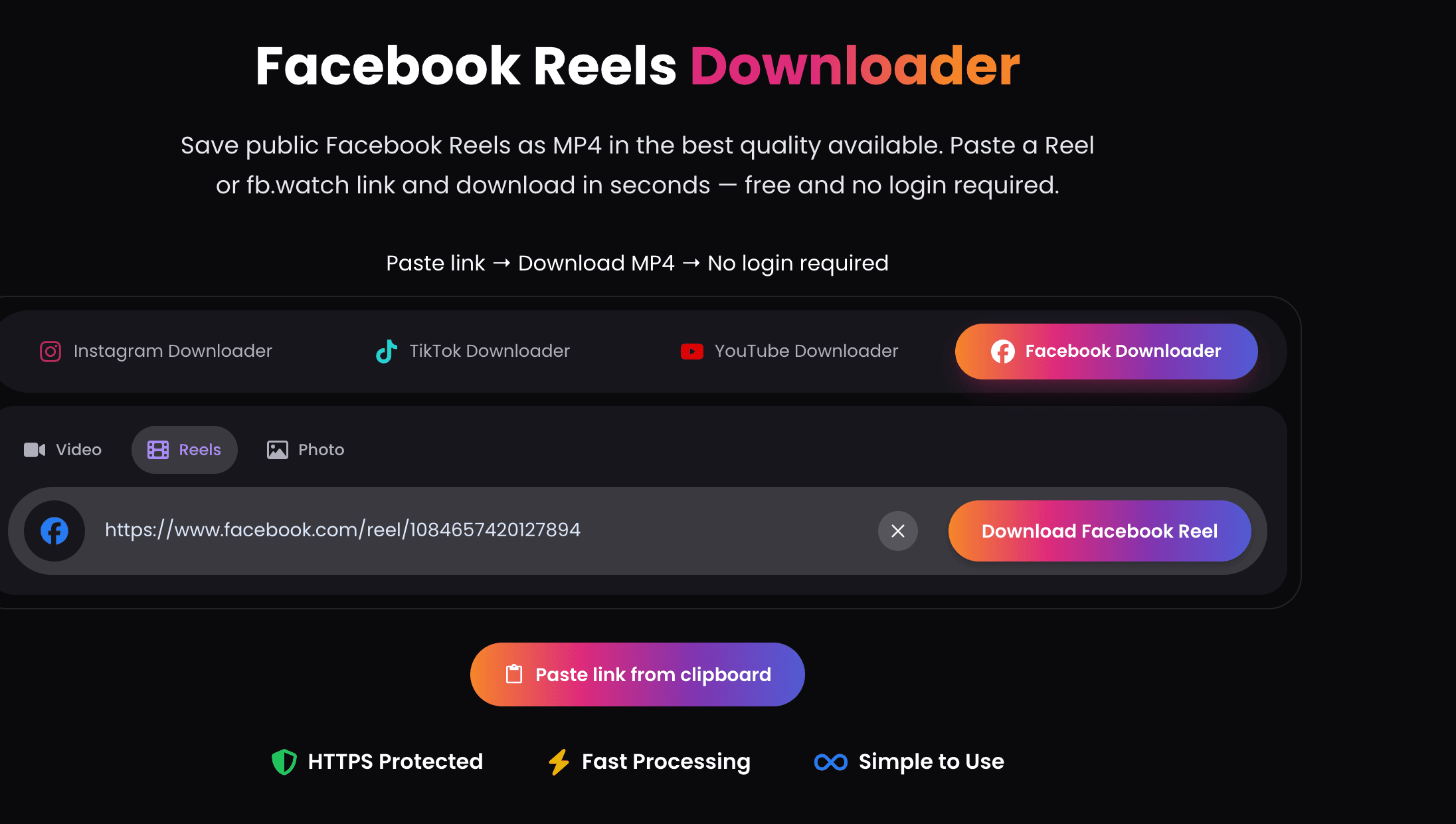
This is the actual downloader — paste a public link and your file is ready.
Facebook Reels Downloader — FAQs
Everything about saving public Facebook Reels as MP4.