Instagram Transcript Generator
Turn the spoken audio in a public Instagram Reel or video into clean, readable text. Paste the link, generate, and copy the transcript for captions, scripts, summaries, and repurposing — no login.
Free · No login · Works on mobile & desktop
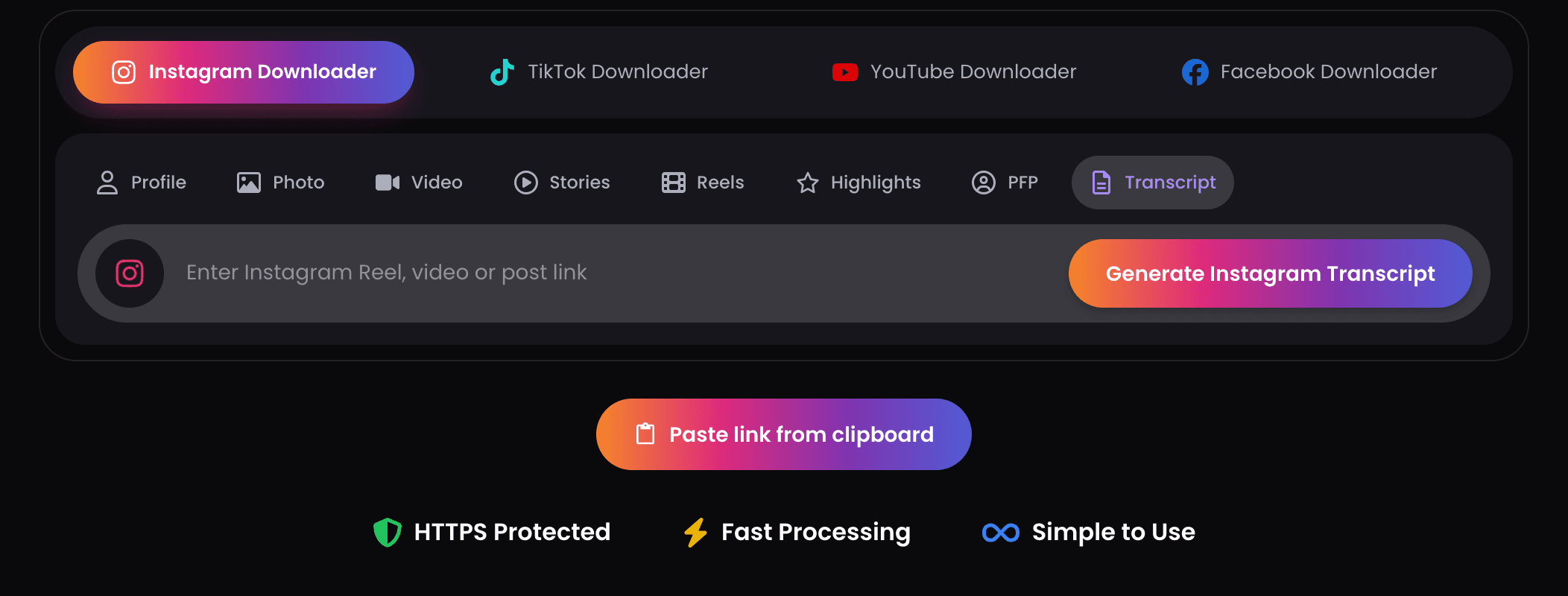
 HTTPS Protected
 Fast Processing
 Simple to Use
What Is an Instagram Transcript Generator?
An Instagram transcript generator is an online tool that converts the spoken words in Instagram videos into written text. Instead of replaying a Reel to catch what was said, you generate a transcript and read the whole thing at once.
It's built for creators, marketers, students, researchers, agencies, and social teams who work with Instagram content regularly — anyone who needs to save time, organize ideas, improve accessibility, or repurpose short-form video into other formats.
How to Generate an Instagram Transcript
Getting a transcript from an Instagram Reel or video takes about a minute. You don't need to type a single word yourself.
- 1
Copy the Instagram link
Open Instagram, find the Reel or video post you want to transcribe, tap the share button, and copy the link.
- 2
Paste the link into ClipsSaver
Drop the copied URL into the transcript box on this page.
- 3
Generate the transcript
Click Generate. ClipsSaver processes the public video and converts the spoken audio into text.
- 4
Copy and use it
When the transcript is ready, copy the full text and paste it into your captions, notes, scripts, summaries, or posts.
What You Can Transcribe
As an Instagram video transcript generator, ClipsSaver works with public Instagram videos that contain spoken audio — Reels, feed video posts, voiceovers, tutorials, interviews, reviews, and product clips. Story videos can also be transcribed while the Story is still live and public, since Stories disappear after 24 hours. Once a video is in text form, it's far easier to search, edit, quote, and reuse than video alone.
Built for Every Instagram-to-Text Use Case
Instagram Reel Transcript
Reels move fast and pack a lot into a few seconds — hooks, tips, voiceovers, and calls to action. A transcript lets you read the full Reel script, study a viral hook, or pull an exact quote without scrubbing the timeline.
Instagram Video to Text
Turn any public Instagram video into editable text you can shape into a caption, subtitle draft, summary, blog section, or content brief — no manual transcription.
Instagram Script Extractor
Many Reels follow a clear structure: hook, problem, point, example, solution, call to action. Use the transcript to see how a video is built so you can plan content, run ad research, or write your own original version. Use transcripts for research and learning — don't copy another creator's script word for word.
What You Can Do With an Instagram Transcript
A transcript is a starting point for your whole content workflow:
- Captions — clean up the text, add spacing, hashtags, and a call to action.
- Subtitles — use the transcript as the written base for timed subtitles on Instagram, TikTok, or YouTube Shorts.
- Blog posts — expand a tip- or tutorial-style Reel into an article section.
- Scripts — study structure, then write your own original version.
- Research notes — save key points from videos for study or campaign review.
- Influencer review — check what a creator said in a sponsored video before approval or republishing.
Before publishing anything, review the text — check names, numbers, brand terms, and punctuation.
Why Use ClipsSaver's Instagram Transcript Generator?
Simple
Paste a public link and generate — beginner-friendly, no setup.
Fast
Skip manual typing; get the spoken words as text.
Free
Free to use, with no account, sign-up, or subscription required.
Built for repurposing
One Reel can become a blog post, LinkedIn post, email, carousel caption, or short script.
Accessible
A text version helps people who prefer reading or need written content for accessibility.
Your Privacy & Trust
ClipsSaver doesn't require an Instagram login or a ClipsSaver account — you only paste a public video link. The tool is built to process that link and return the text, not to keep a record of what you paste or generate, and it runs over a secure HTTPS connection. You stay in control of the transcript: it lives in your clipboard and your own documents, not in a public gallery.
Tips for Better Transcript Accuracy
Transcript quality follows audio quality. For the best results: choose videos with clear speech and minimal background music, prefer speakers who are easy to understand, and manually review names, places, and brand terms. Always check punctuation and edit the text before using it as subtitles or for anything sensitive. A transcript gives you a strong first draft — final editing is still on you.
Limitations to Be Aware Of
- It works only with public Instagram videos that contain spoken audio — private accounts and silent clips can't be transcribed.
- Accuracy depends on audio quality, background music, accents, and overlapping speakers; expect to edit the first draft.
- It transcribes speech — it does not reliably capture on-screen text, sound effects, or song lyrics.
- Stories can only be transcribed while they are still live and public (within their 24-hour window).
- The tool relies on how Instagram serves public data, so it may occasionally be disrupted when Instagram changes its systems.
- It produces text only — no analytics, follower data, or engagement metrics.
Is ClipsSaver an Official Instagram Tool?
No. ClipsSaver is an independent tool. It is not owned by, endorsed by, or officially connected with Instagram or Meta. Use it only with public Instagram content, your own content, or content you have permission to process — never to violate privacy, copyright, platform rules, or creator rights.
Related ClipsSaver Tools
- TikTok Transcript Generator — do the same with public TikTok videos.
- Instagram Reels Downloader — save a Reel as MP4, then transcribe it here.
- Instagram Video Downloader — download public Instagram videos.
- Instagram Story Downloader — save public Stories before they expire.
Frequently Asked Questions
Common questions about generating, downloading, and using Instagram transcripts with ClipsSaver.
Generate Your Instagram Transcript Now
Turn Instagram videos into text with ClipsSaver. Paste your public Reel or video link, generate the transcript, and use it for captions, scripts, subtitles, summaries, and repurposing.
Generate Transcript →See it in action