
 HTTPS Protected
 Fast Processing
 Simple to Use
Works with public Facebook video links only. Private profiles, friends-only posts, and closed groups are not supported.
What is a Facebook video downloader?
A Facebook video downloader saves a Facebook video to your device as an MP4 file. ClipsSaver's tool works from a link: paste the video URL from facebook.com, choose from the qualities Facebook provides — usually HD or SD — and the video downloads straight to your phone, tablet, or computer — free, online, with no login or app install.
How to Download a Facebook Video
You can download a video from Facebook in three steps:
- 1
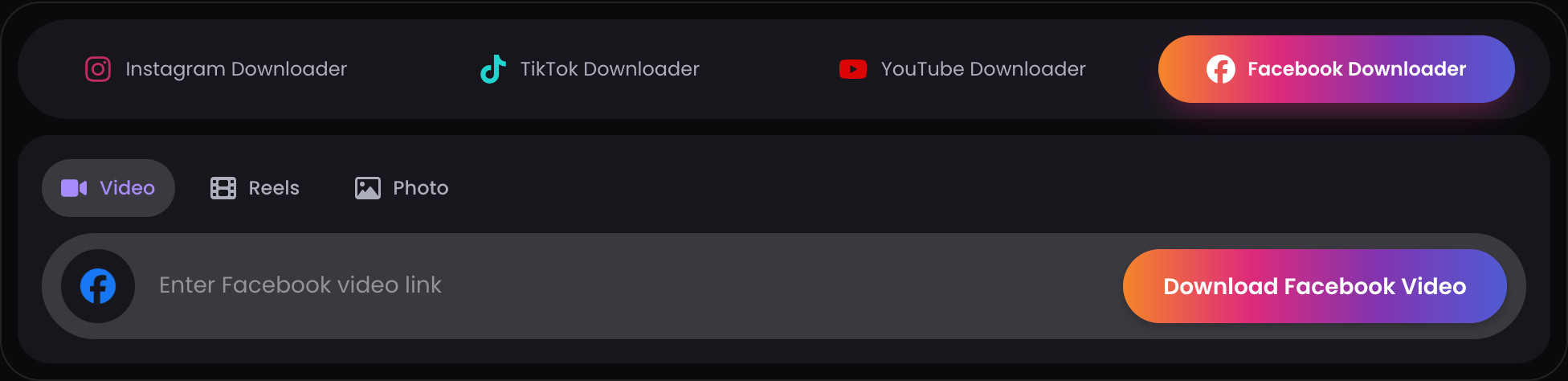
Copy the video link
On Facebook, open the video, tap the share icon and choose "Copy link" — or copy the URL from your browser's address bar.
- 2
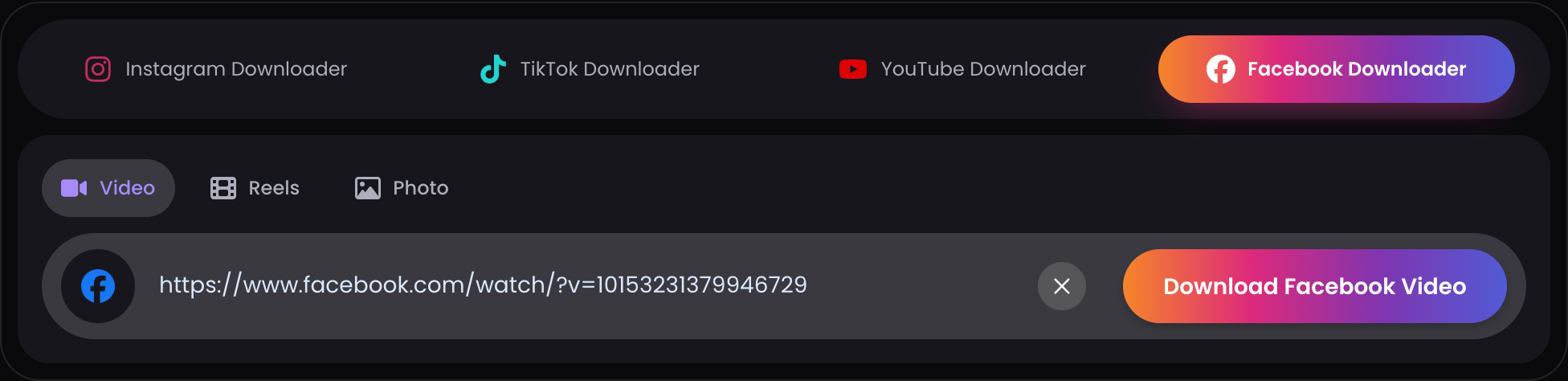
Paste it above
Drop the link into the box and click Download. ClipsSaver fetches the available video qualities.
- 3
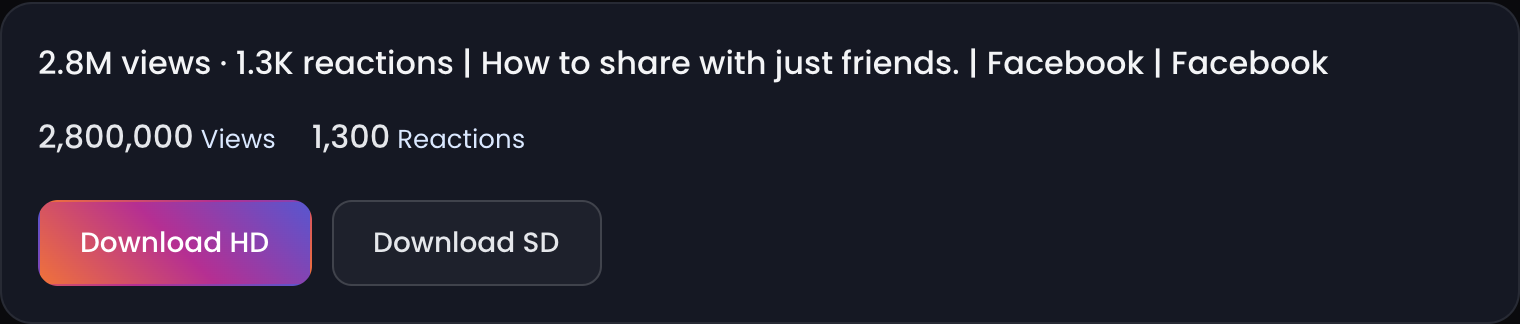
Save the MP4
Choose HD or SD and the video downloads straight to your device, ready to watch offline.
Supported Facebook Video Links
The downloader works with public Facebook video links in these forms:
- Public video posts — videos shared publicly on personal profiles
- Public Facebook Page videos — videos posted by Pages (businesses, creators, media)
- Browser URL or copied share link — either the address-bar URL or the link from the post's Share → Copy link button
Not supported:
- Videos on private profiles
- Friends-only posts
- Videos inside closed or private groups
If a link doesn't work, the video usually falls into one of the unsupported categories above — the tool can only access what's already publicly visible without logging in.
Download Facebook Videos in HD
When Facebook provides a high-definition version of a video, ClipsSaver lists it as a download option. You'll see the qualities available for that specific video — usually an HD and an SD choice — and you pick whichever suits your needs: HD for clarity, SD for a smaller file size.
Why HD May Not Appear for Some Facebook Videos
HD availability depends entirely on the original upload. If a video was uploaded in standard definition, or Facebook only serves an SD stream for it, no HD option will exist for any downloader to fetch.
ClipsSaver shows you exactly what Facebook provides: if HD is available, it appears as an option; if not, you can still download the available MP4 in the best quality Facebook serves. The tool does not upscale, compress, or alter the file — what you download is the genuine source quality.
Save Facebook Videos as MP4
Every download from ClipsSaver is a standard MP4 file with the original audio included when available. MP4 plays on iPhone, Android, Windows, Mac, and smart TVs without any converter, and works in editors like CapCut and Premiere Pro. There's no extra conversion step — paste the Facebook video link, and the MP4 is what you save.
Download Facebook Videos on iPhone, Android, and Desktop
The downloader works in your browser, so the steps are the same on every device — no app install needed.
- iPhone — downloads typically save to your browser's downloads or the Files app, depending on your browser settings.
- Android — downloads typically save to your Downloads folder, where your gallery or file manager can find them.
- Desktop (Windows/Mac) — downloads save to your browser's default download folder.
If you can't find a downloaded video, check your browser's download history first — that shows exactly where the file was saved.
Why Use This Free Online Facebook Video Downloader
Free, no sign-up
The tool is free to use with no account required.
No login, no install
The downloader works in your browser. You never hand over Facebook credentials or install an app.
HD & SD options
Download in HD when Facebook provides it, or SD for a smaller file — you'll see the qualities available for each video.
Any device
iPhone, Android, Windows, or Mac — if it has a browser, it works.
Public content only
ClipsSaver only accesses videos that are publicly accessible without logging in.
Facebook Video Download Not Working? Common Reasons
If a download fails, it's almost always one of these:
- The video is private — only public videos can be fetched
- The post is friends-only — restricted posts aren't accessible without logging in, which this tool doesn't do
- The video is inside a closed or private group — group-restricted content can't be accessed
- The link was copied incorrectly — partial or truncated URLs won't resolve; copy the full link
- The video was deleted — removed videos can't be downloaded by any tool
- Facebook changed access — the owner may have changed the video's privacy setting after you got the link
Quick fix: go back to the video on Facebook, tap the Share button, choose "Copy link," and paste the fresh link into the downloader. That resolves most failed downloads caused by incomplete or outdated URLs.
Privacy & Data Handling
To download a Facebook video online, paste a public video link into the tool — no upload, no account, and no Facebook login are required. Videos from private profiles, friends-only posts, and closed groups cannot be processed. For more details, please review our Privacy Policy.
Download Your Facebook Video Now
Paste any public Facebook video link above to save it as an MP4 — free, online, no login needed.
Download Now →See it in action
This is the actual downloader — paste a public link and your file is ready.

Facebook Video Downloader — FAQs
Everything about saving public Facebook videos in HD.